

 My Account



Receipt Printers for POS Systems — Thermal, Kitchen & Mobile
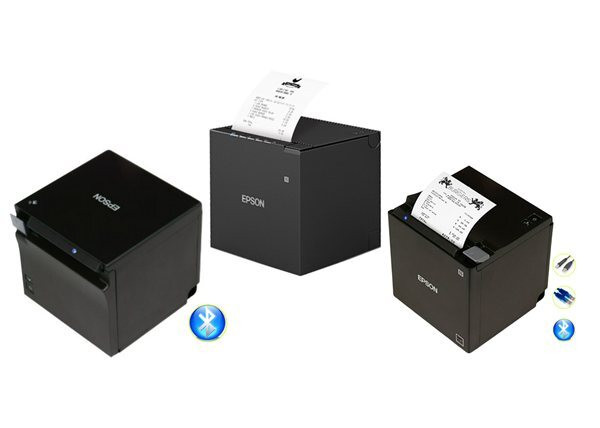
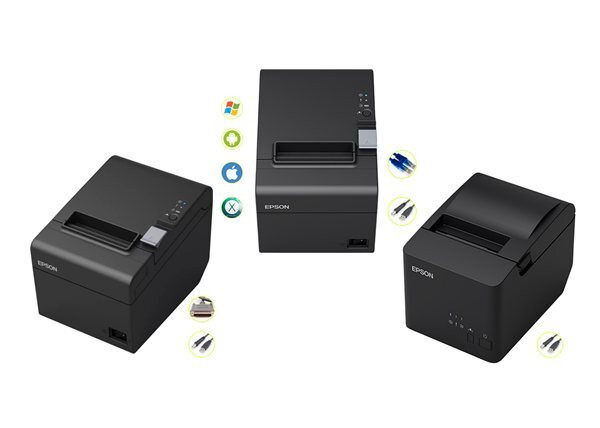
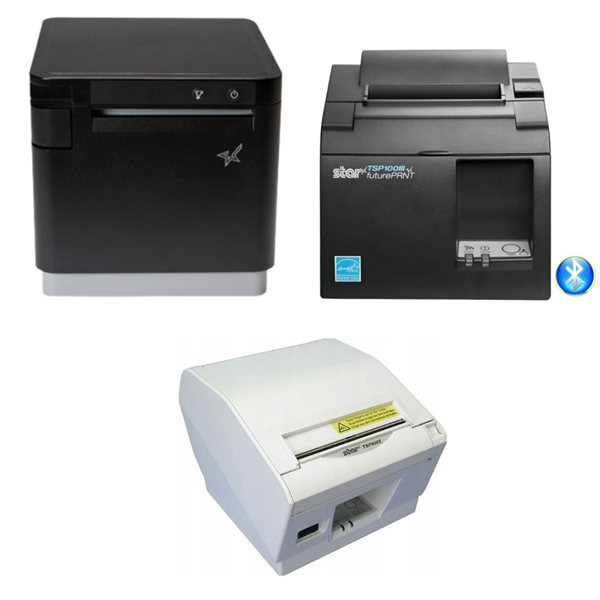
POS Plaza stocks receipt printers suited to retail, hospitality, and mobile businesses across Australia. Brands include Epson, Star Micronics, Bixolon, Posiflex, and Nexa. Whether you need a standard thermal printer for a checkout counter, a kitchen printer for a restaurant, or a mobile Bluetooth printer for tableside service, we have stocked options ready to ship from Sydney.
Thermal vs Impact receipt printers — which do you need?
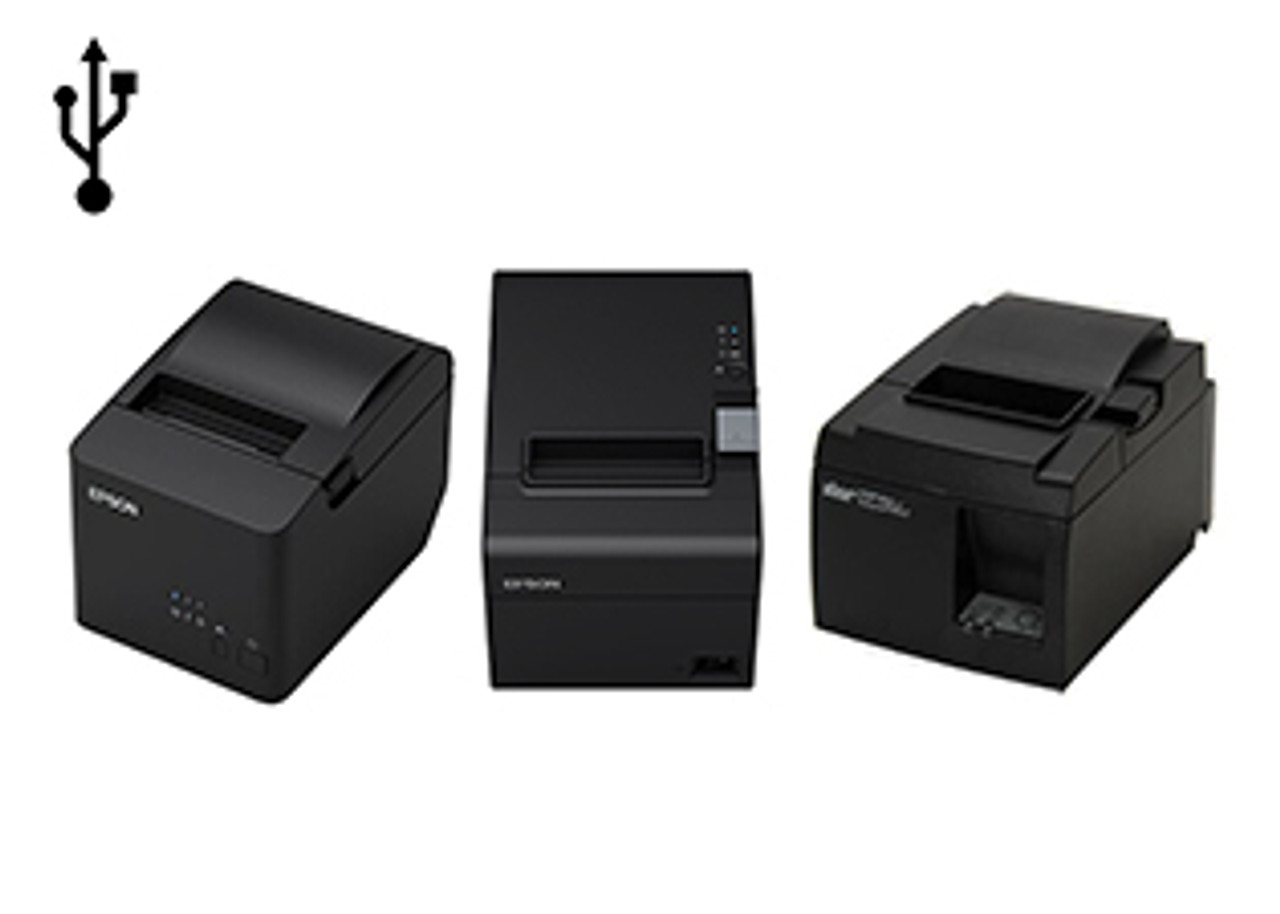
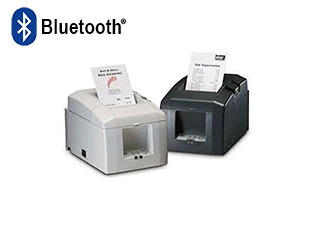
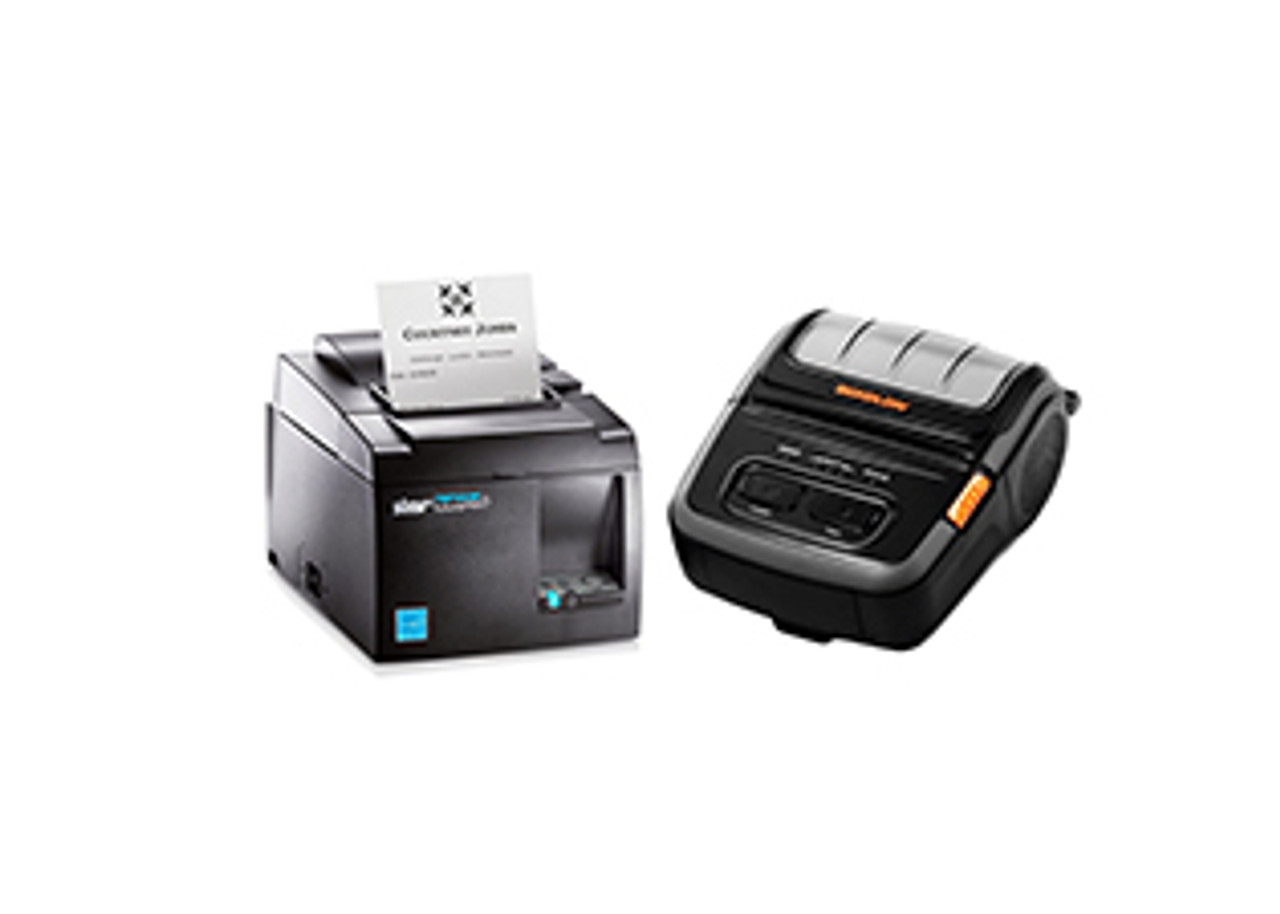
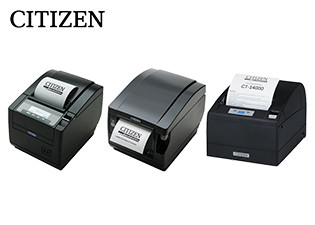
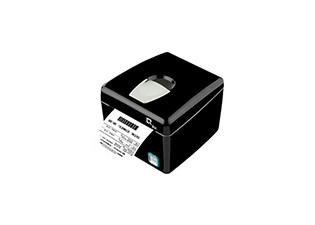
Thermal receipt printers are the most common type for retail and front-of-house hospitality. They print using heat rather than ink, so there's no ribbon to replace and no running out of ink mid-service. Print speeds are fast (150–300mm/sec on most models) and noise levels are low. The trade-off: thermal paper fades over time and is not suited to environments with high heat or direct sunlight.
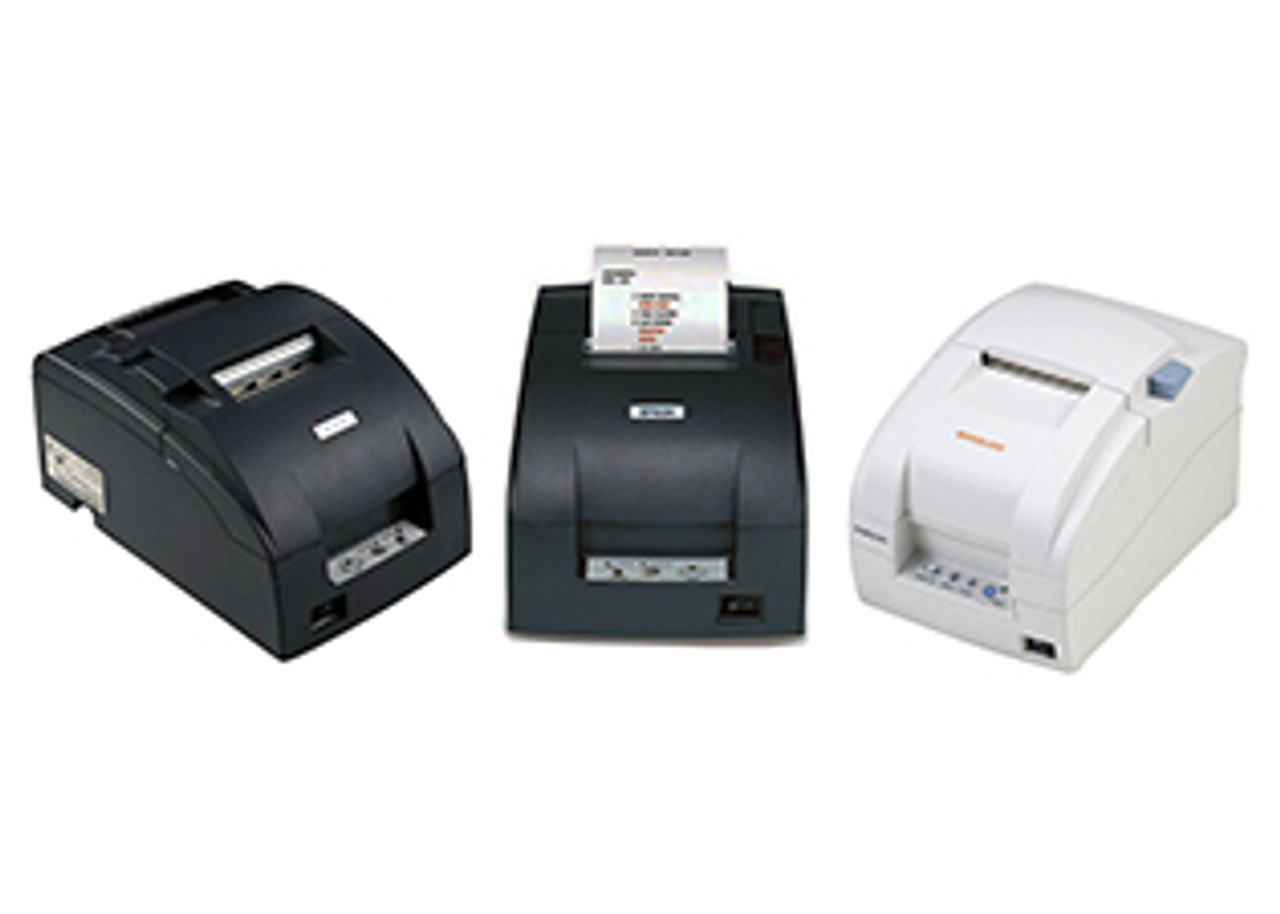
Impact (dot matrix) printers use an ink ribbon to strike the paper. They're significantly louder than thermal printers but can print in hot environments (commercial kitchens, outdoor kiosks) where thermal paper fails. Impact printers are the standard for kitchen order printing in restaurants.
What receipt printer do I need for my POS software?
Square POS: Square supports Ethernet, USB, and Bluetooth thermal printers. Epson TM-T82 and Star TSP143 series are commonly used with Square in Australia. Square does not natively support serial connection printers.
Shopify POS: Shopify supports Star Micronics and Epson printers. For Shopify on iPad, a Bluetooth or Wi-Fi printer is required. Our range of iPad compatible receipt printers includes models from Epson and Star Micronics designed for seamless integration with Shopify POS and other tablet-based systems.
Vend / Lightspeed Retail: Supports Star Micronics (full driver support) and Epson ePOS printers. Ethernet and USB connections recommended.
Kounta / Lightspeed Restaurant: Star and Epson thermal printers with Ethernet/Wi-Fi connectivity are supported. Kounta also supports kitchen printing via network printers.
Not sure what's compatible with your setup? Contact us — we can confirm which receipt printer models work with your specific POS software and operating system.
Connection types — USB, Ethernet, Bluetooth, or Serial?
- USB: Simplest setup, plug-in connection to a Windows PC. Works with most POS software. Not suitable for iPad or Android tablets.
- Ethernet: Connects over your local network. Best for multi-terminal setups where multiple devices need to print to the same printer. Also works across platforms (Windows, Mac, iPad, Android).
- Bluetooth: Wireless connection to a tablet or smartphone. Common for Square on iPad or mobile POS setups. Range is typically 10 metres.
- Wi-Fi: Connects to your wireless network. More flexible than Bluetooth for semi-permanent installations.
- Serial: Older connection type. Limited software support on modern POS platforms. Only recommended if you have existing legacy hardware.
Kitchen printers for restaurants
Kitchen receipt printers (also called kitchen order printers or KOTs — kitchen order terminals) are typically impact dot-matrix printers that withstand heat, steam, and grease. They connect via Ethernet to your restaurant POS and print food orders sent from a front-of-house terminal or tablet. Star SP700 series and Epson TM-U220 are the most widely used kitchen printer models in Australian restaurants.
Mobile receipt printers
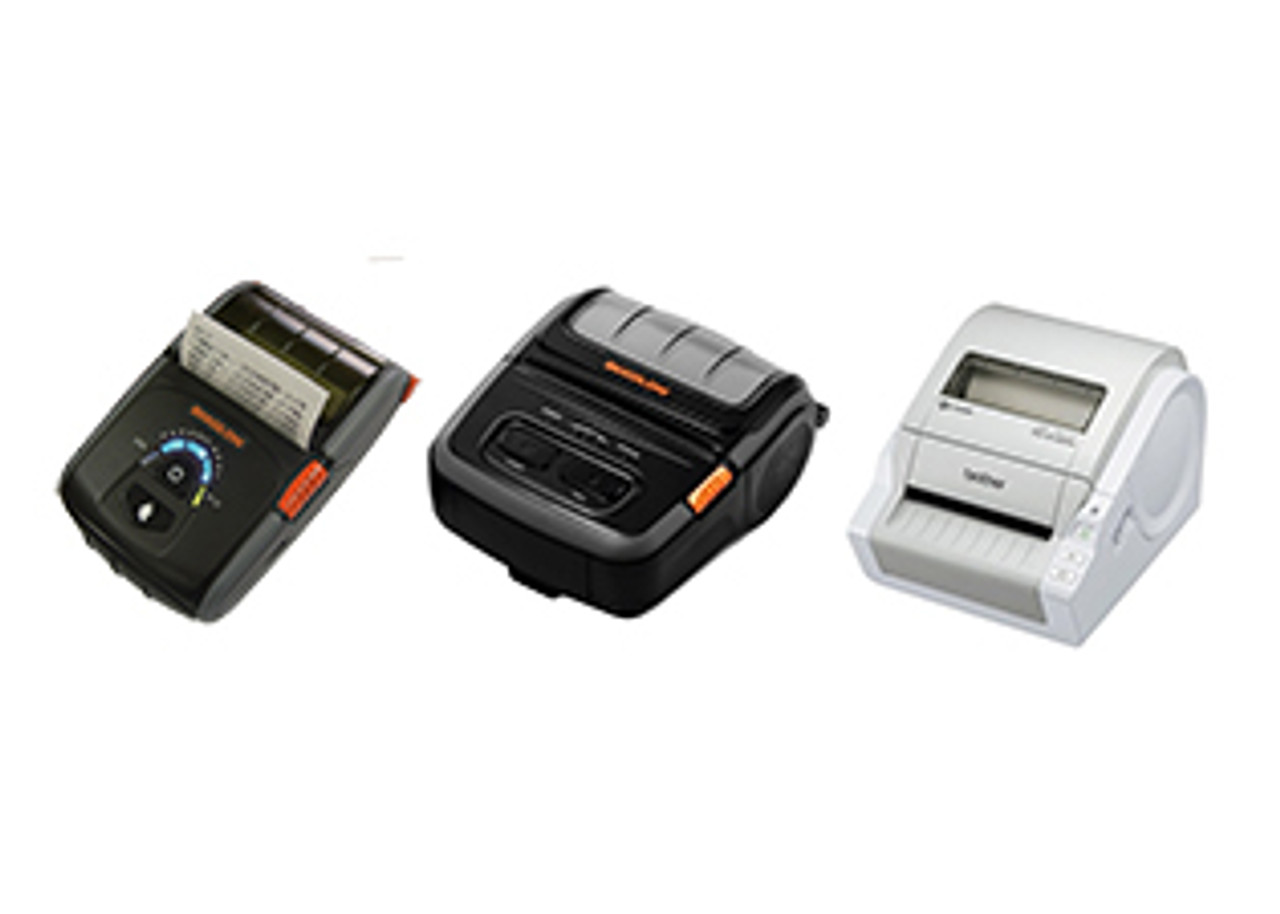
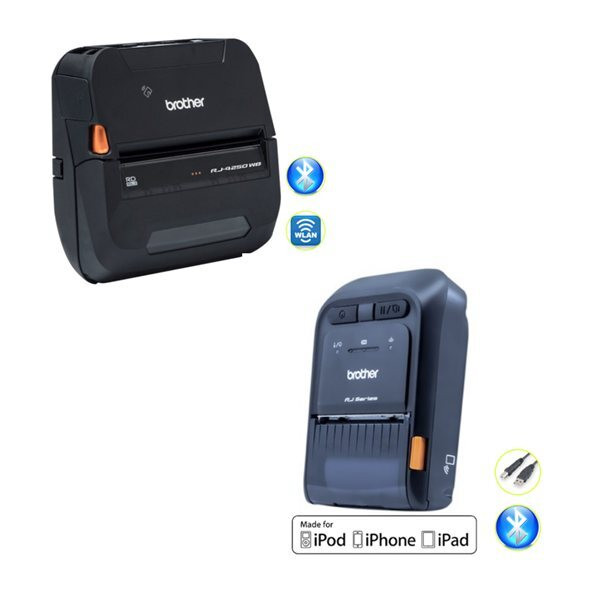
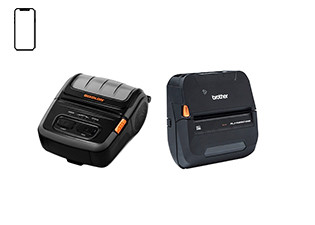
Mobile printers are battery-powered and connect via Bluetooth or Wi-Fi. They are used by field service businesses, market traders, and restaurants offering tableside ordering. Print width options are typically 58mm (compact) or 80mm (standard receipt width). Most models charge via USB-C or micro-USB.
What paper roll size do I need?
Most counter receipt printers use 80mm wide thermal paper rolls (80mm x 80mm or 80mm x 50mm). Mobile and compact printers may use 58mm rolls. Always check your printer's specifications — using the wrong roll width can damage the print head. POS Plaza stocks thermal paper rolls in all standard sizes.
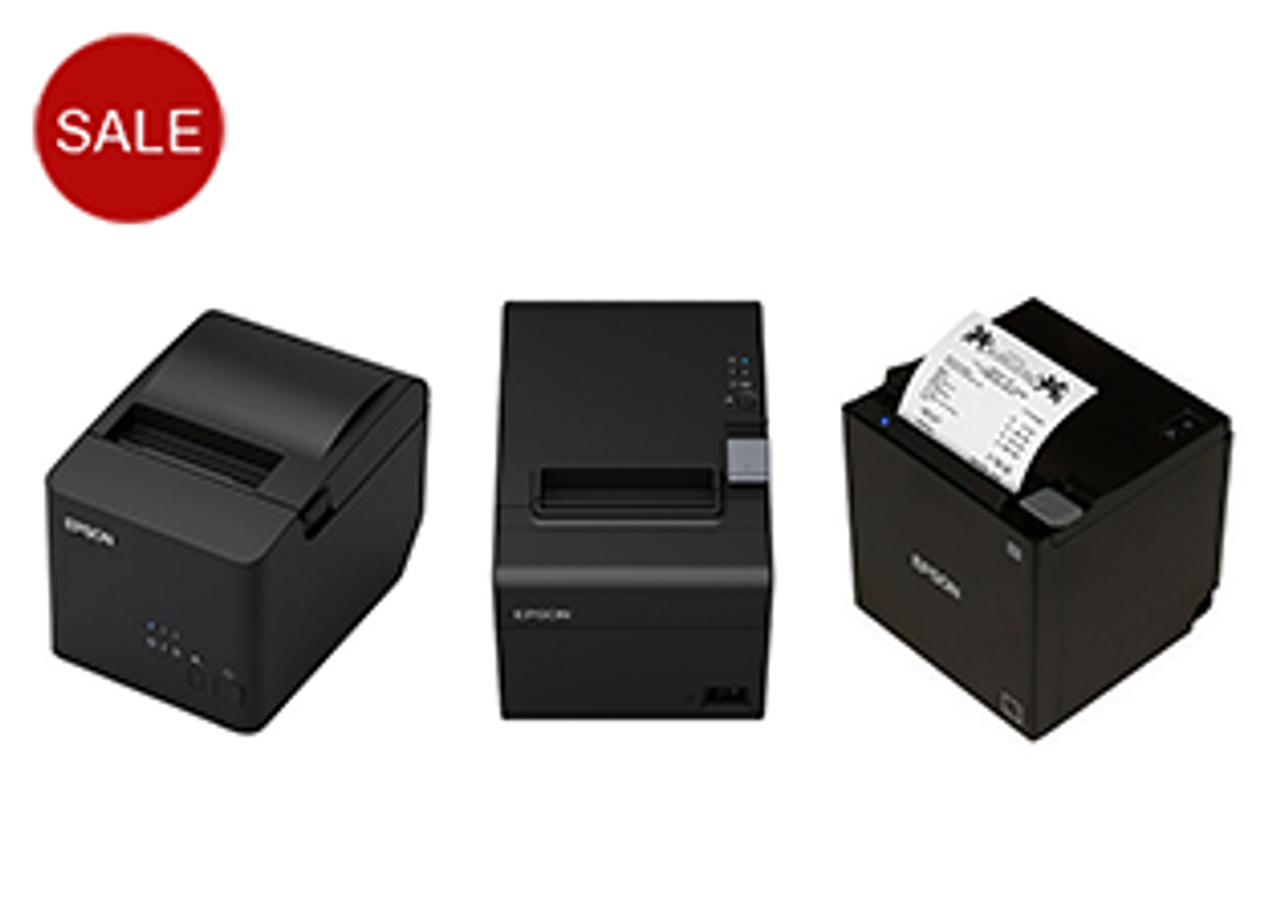
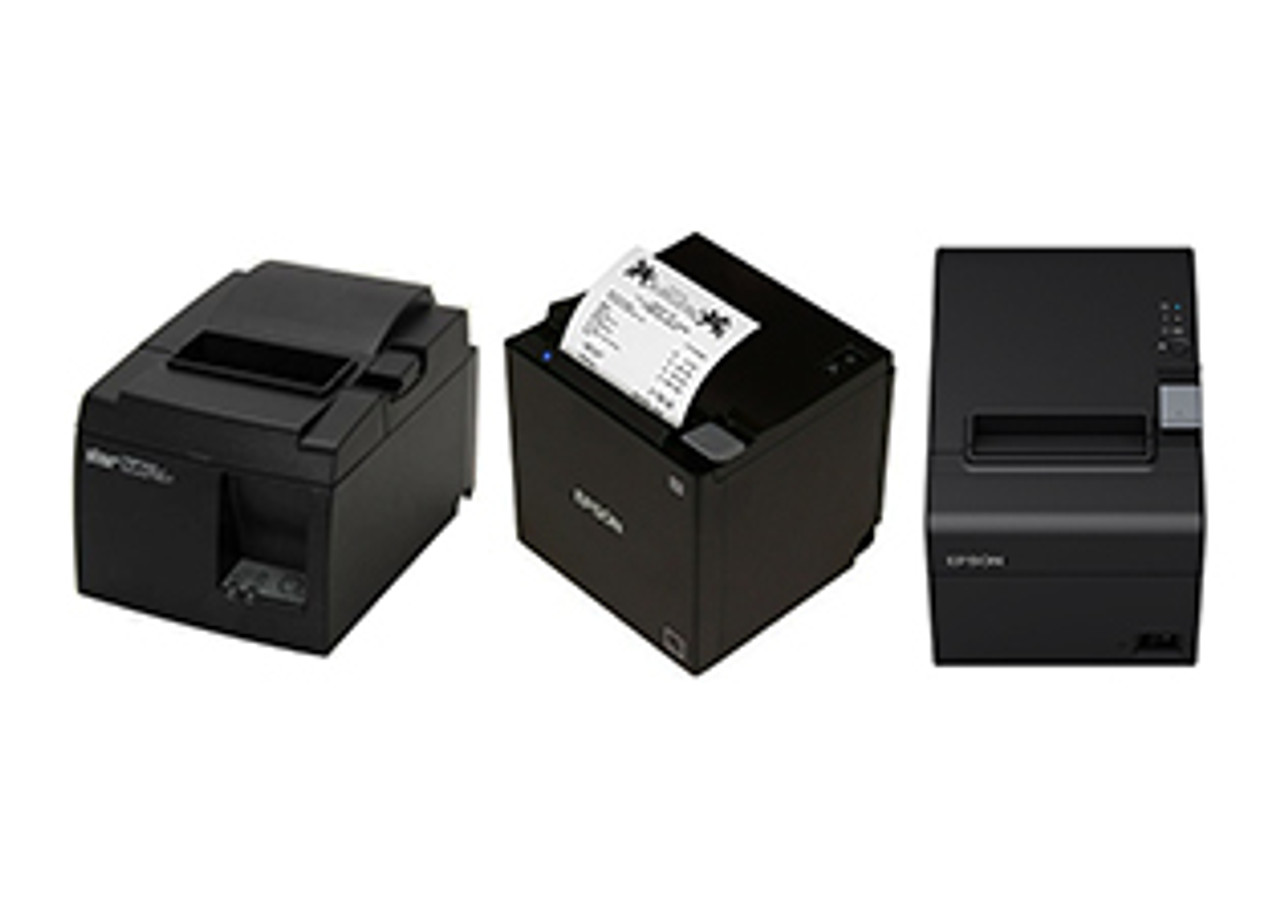
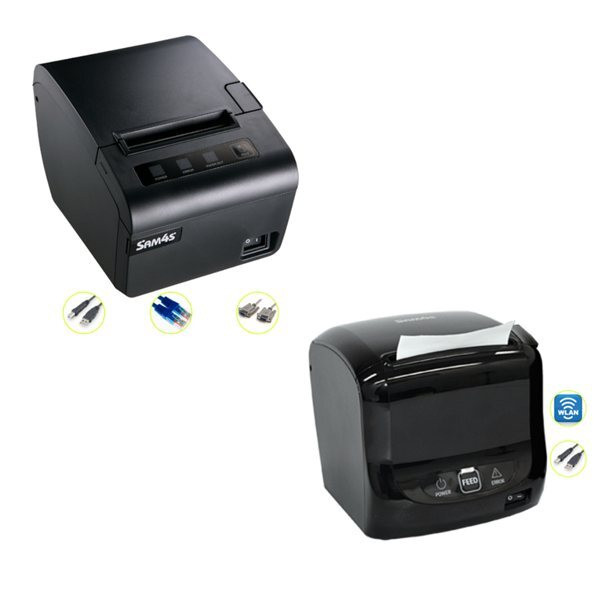
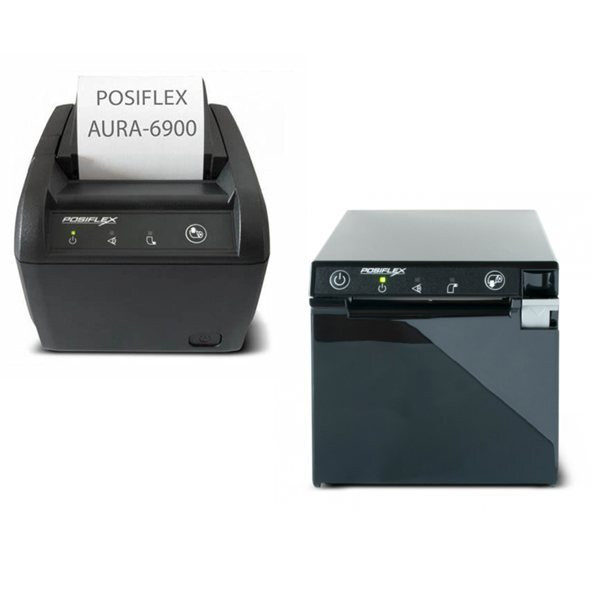
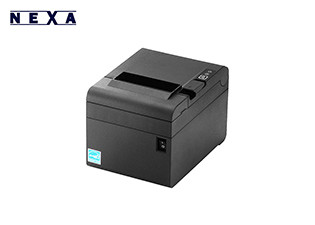
Explore our extensive range of receipt printers from leading brands and models, including the Epson TM-T82IV & TM-T82IVL, Epson TM-m30III, SAM4S receipt printers, Posiflex Aura receipt printers, and Nexa receipt printers. Whether you need a reliable thermal printer for retail, hospitality, or point-of-sale applications, we offer high-performance solutions to suit every business requirement.
Frequently asked questions — receipt printers
Q: Can a receipt printer trigger a cash drawer to open?
A: Yes. Most receipt printers have an RJ11 (phone-jack style) port that connects directly to a compatible cash drawer. When the printer processes a sale, it sends a signal to open the drawer automatically. Check that both your printer and cash drawer are RJ11 compatible.
Q: Do receipt printers work with EFTPOS machines?
A: Receipt printers connect to your POS software or computer, not directly to an EFTPOS terminal. Your POS software handles the transaction and triggers the receipt print. EFTPOS terminals (Tyro, ANZ, Commonwealth Bank, etc.) typically print their own card transaction slip.
Q: How long do thermal receipts last?
A: Standard thermal paper fades within 2–5 years depending on storage conditions. For receipts that need to be kept long-term (e.g., for warranty or tax purposes), consider using BPA-free thermal paper or advising customers to photograph receipts.
Q: Do you sell replacement thermal paper rolls?
A: Yes. POS Plaza stocks thermal paper rolls in 80mm and 58mm widths. See our Paper Rolls category.